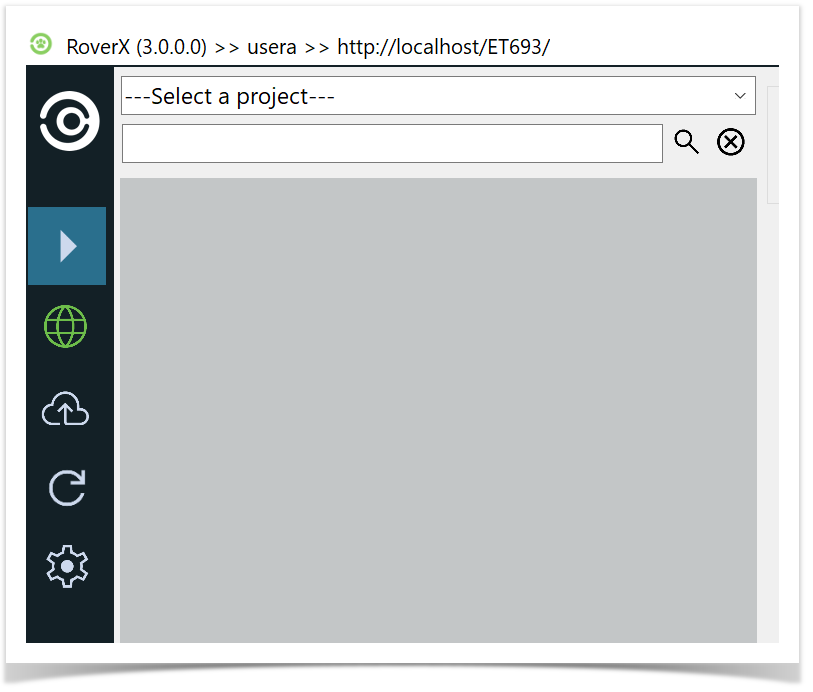
The Navigator on the left side of the RoverX interface provides five key options:
 Refresh: Update the current view to reflect any recent changes or updates from Enterprise Tester server.
 Test Execution: Access and manage test executions, including starting new test runs and viewing existing ones.
 Sync Dashboard: Manage and view the sync status, including uploading changes to Enterprise Tester when online.
 Online/
 Offline Mode: Toggle between online and offline modes to manage your test runs and data access as needed.
 User Settings: Access and modify your user settings for RoverX.
These options help you navigate and utilize the various features of RoverX efficiently.