When using the Explorer tab in Enterprise Tester there are icons in the top menu bar.
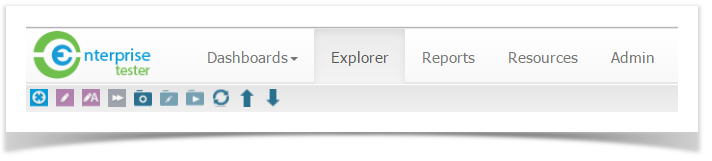
These icons relate to actions that can be performed in the Tree view.
| Icon | Action |
|---|---|
 | Add a Requirement |
 | Add a Test Script |
 | Add an Automated Test |
 | Add an Agile Run |
 | Add a Requirement Package |
 | Add a Script Package |
 | Add an Execution Package |
 | Refresh the Tree view |
 | Move the selected Node up |
 | Move the selected Node down |