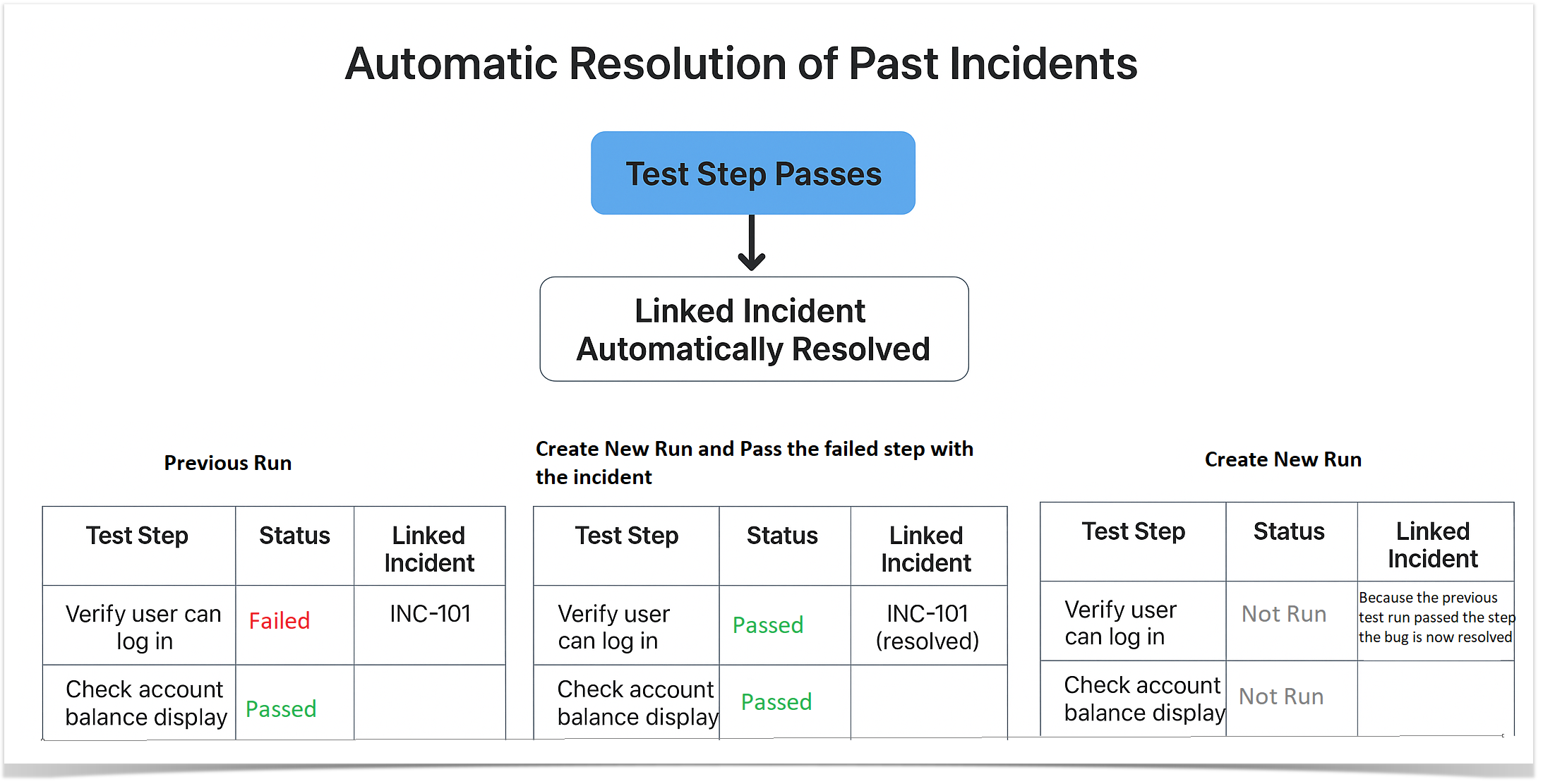
When a step in a new test run passes, any past incidents linked to that step will be automatically resolved in Enterprise Tester and Jira.
This ensures that issue tracking stays up-to-date and reduces the need for manual updates
Note: Only incidents associated with steps that now pass in the new run will be resolved automatically. Incidents linked to steps that remain Not Passed will not be affected.
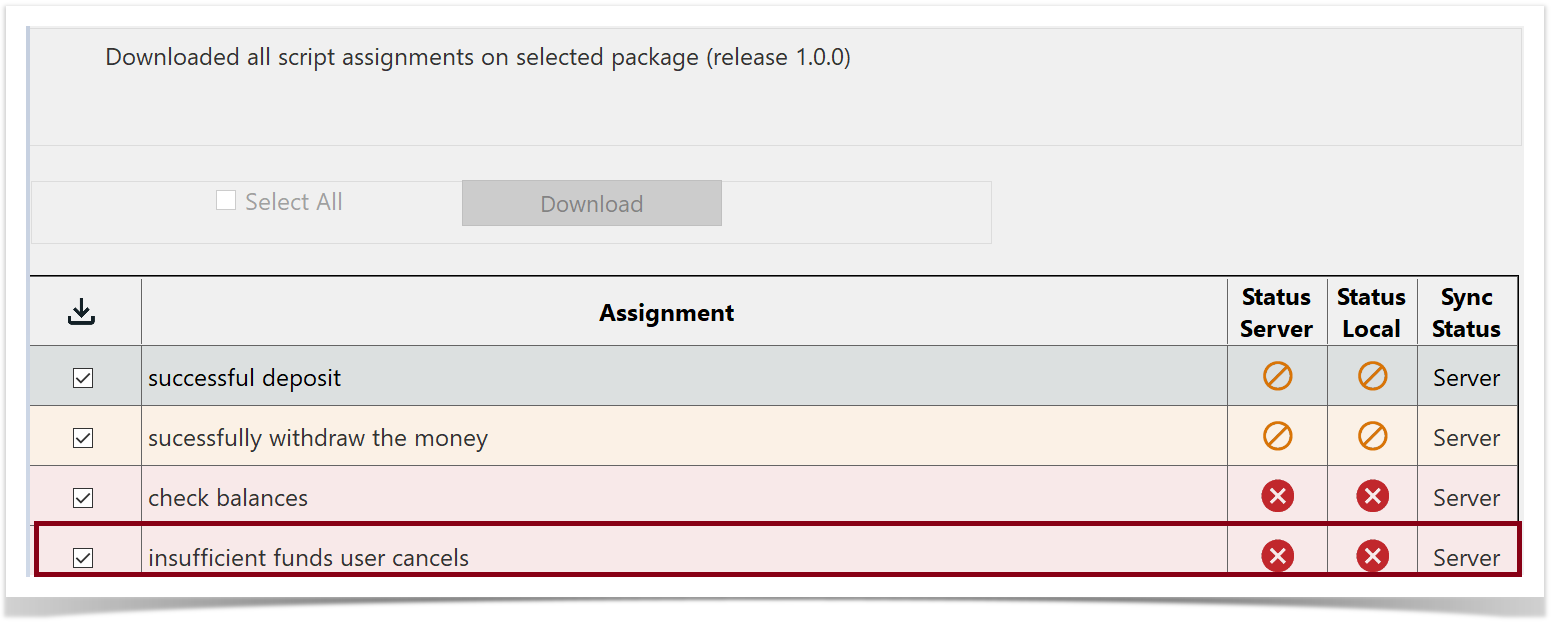
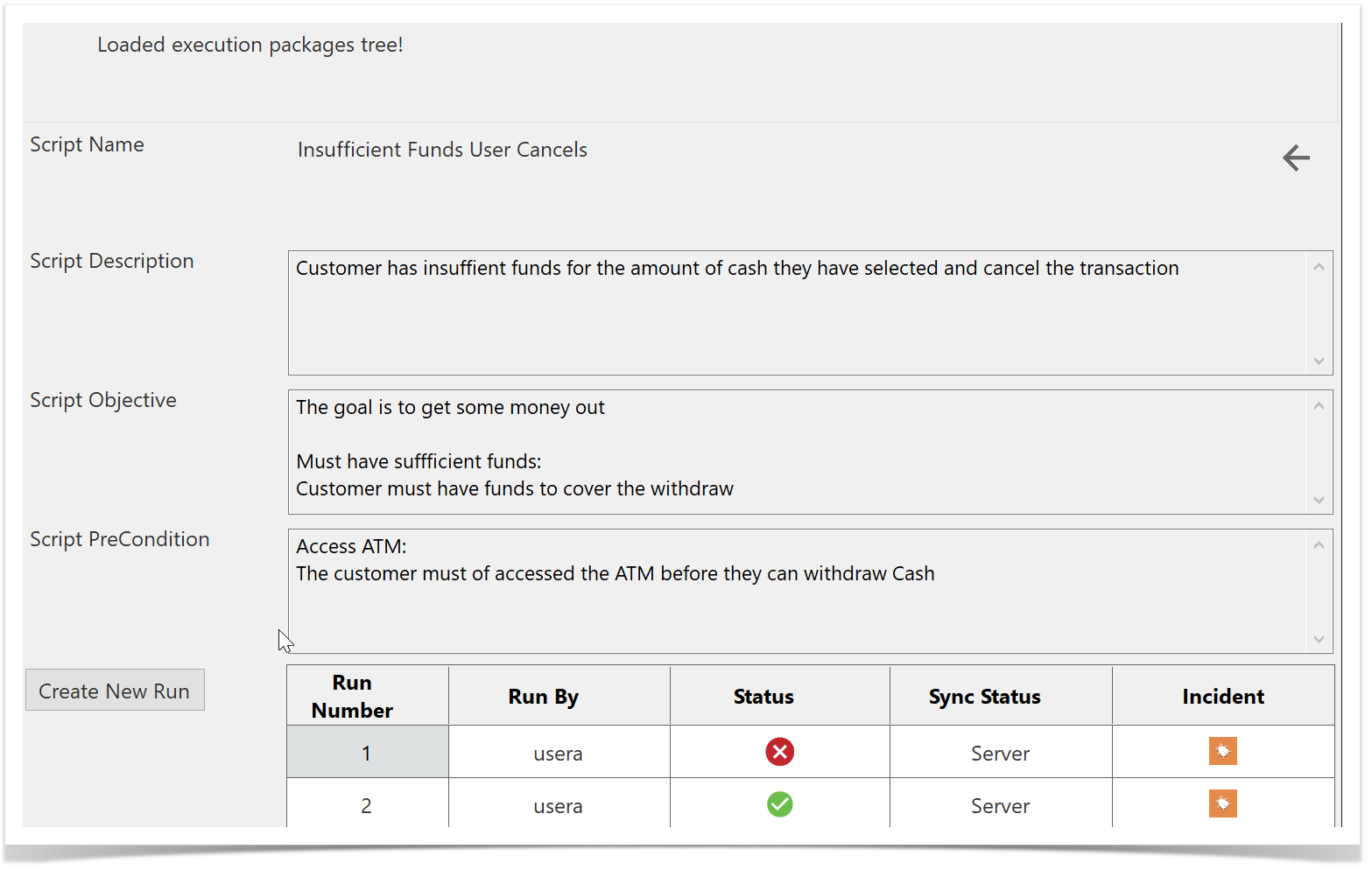
Example: “Insufficient Funds User Cancels” Test Run
Click or tap on the test run.
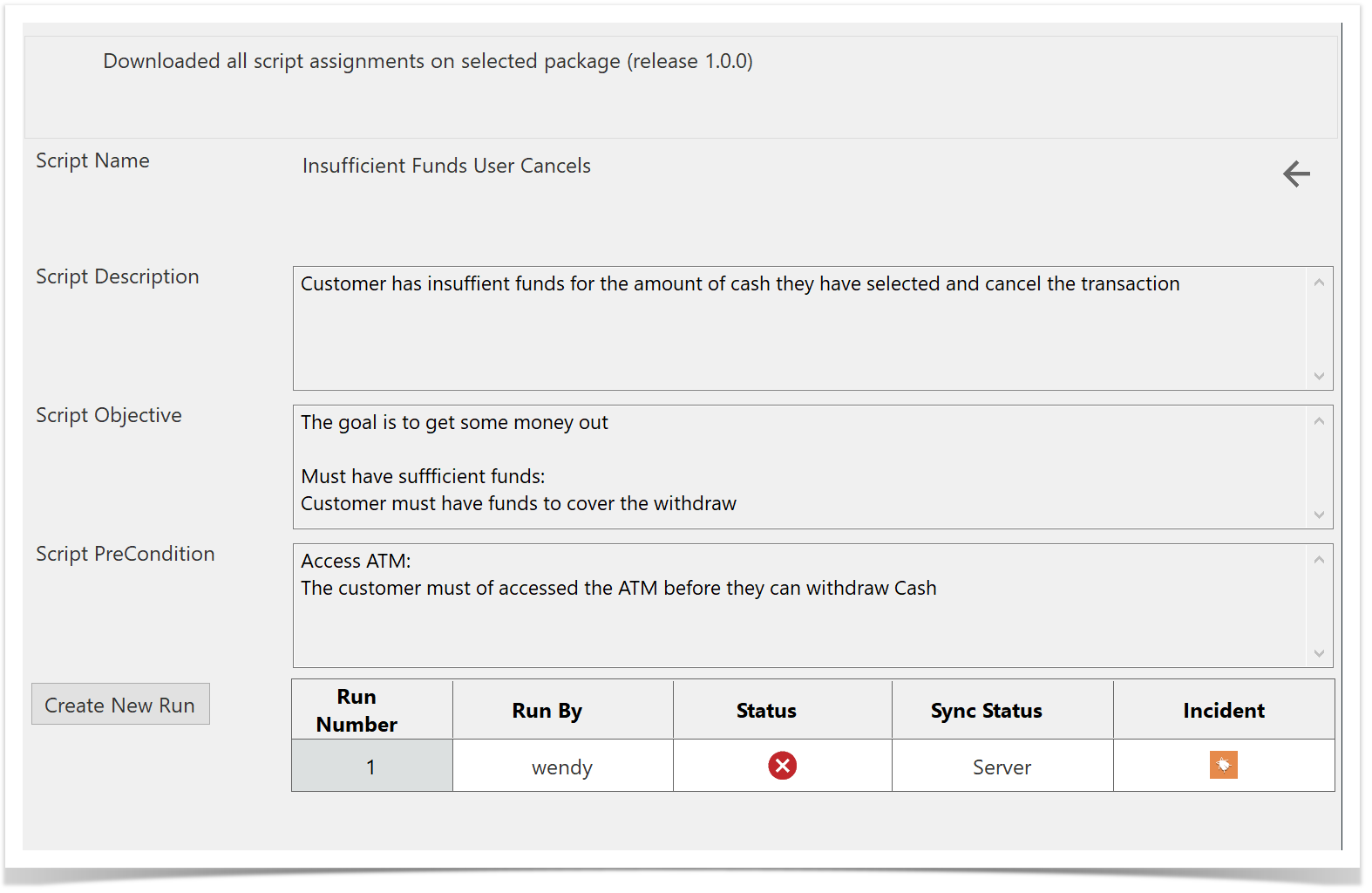
The Run History screen will be displayed. You will see the test run that has an incident associated with it
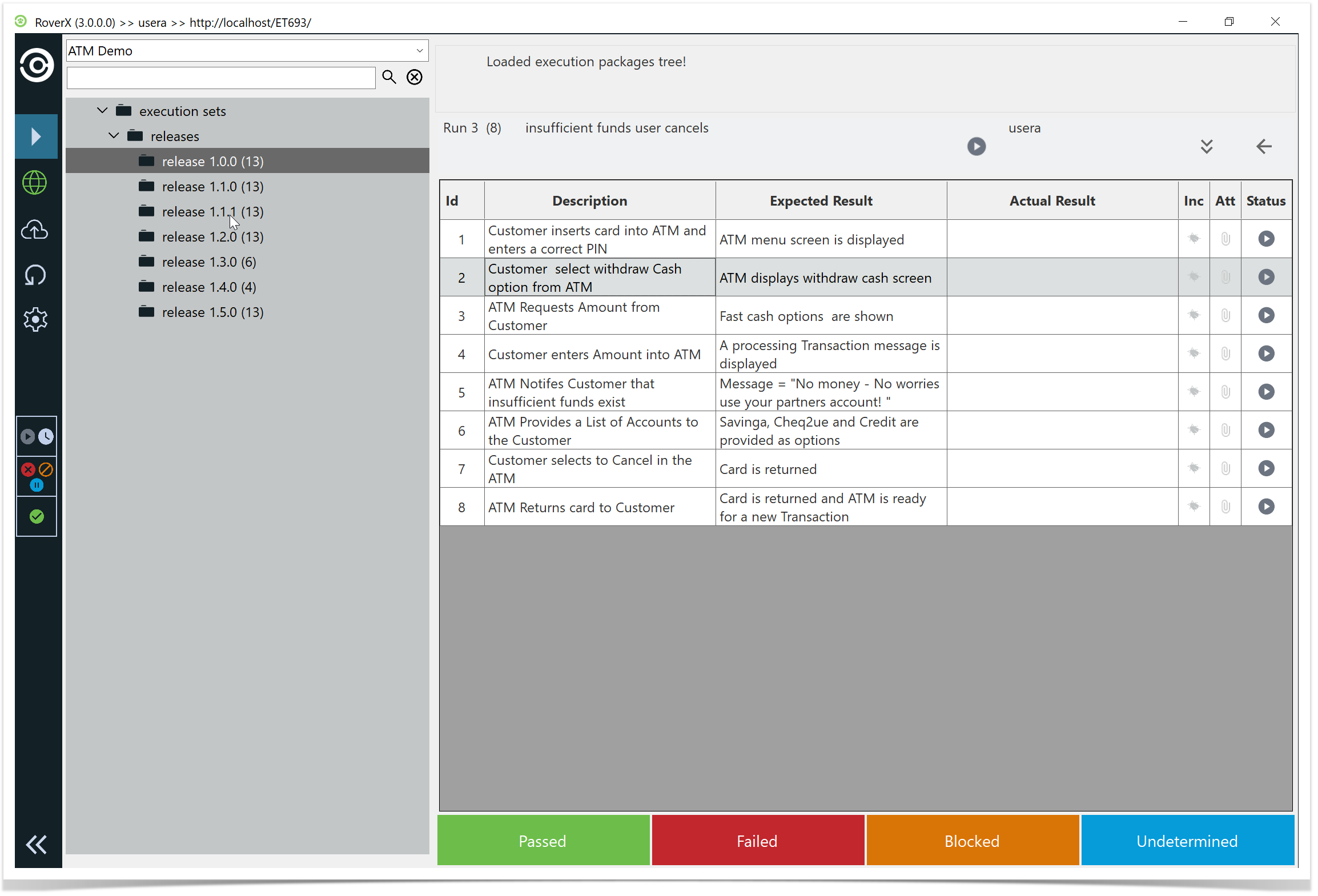
Select Create New Run. You can see this test run has multiple bugs on multiple steps.
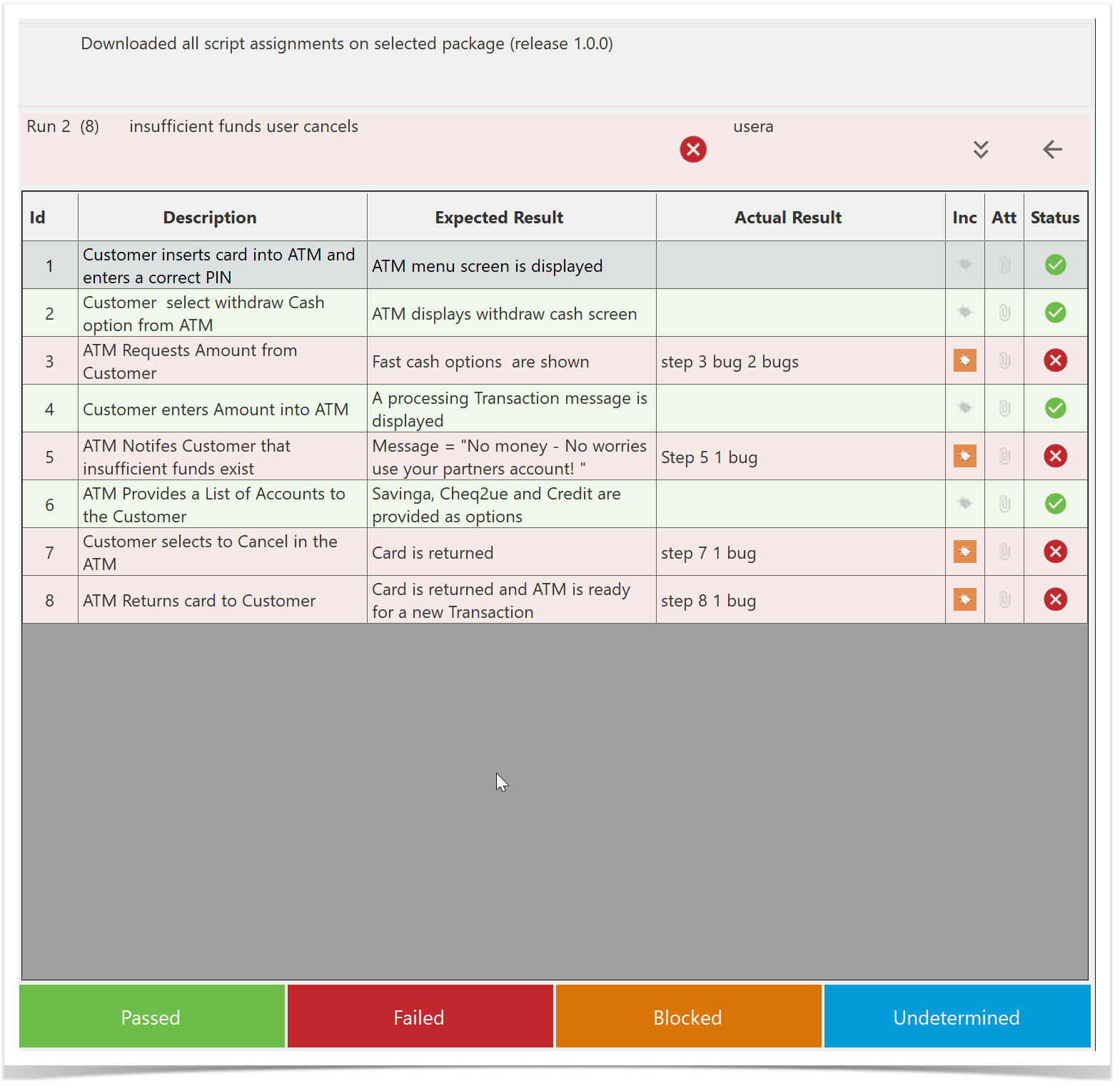
Pass all the Test Steps apart from one with an associated bug. This will leave the test run as Failed with one test step Failed and one associated bug.
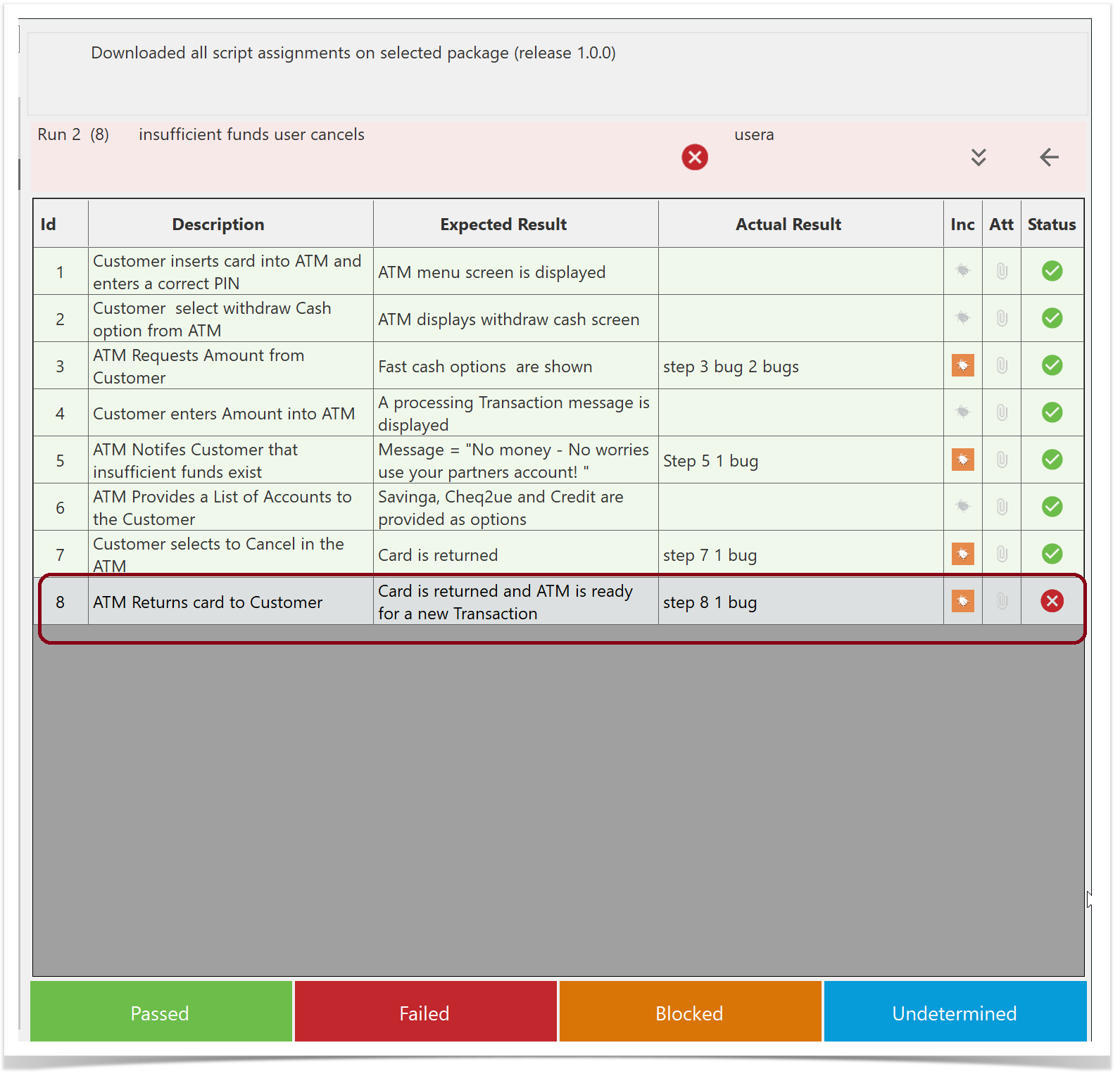
Sync to Enterprise Tester.
Once the sync is successful, locate the test run and select Create New Run again.
All but one of the steps are now Passed.
There is now only one bug associated with the Failed step.
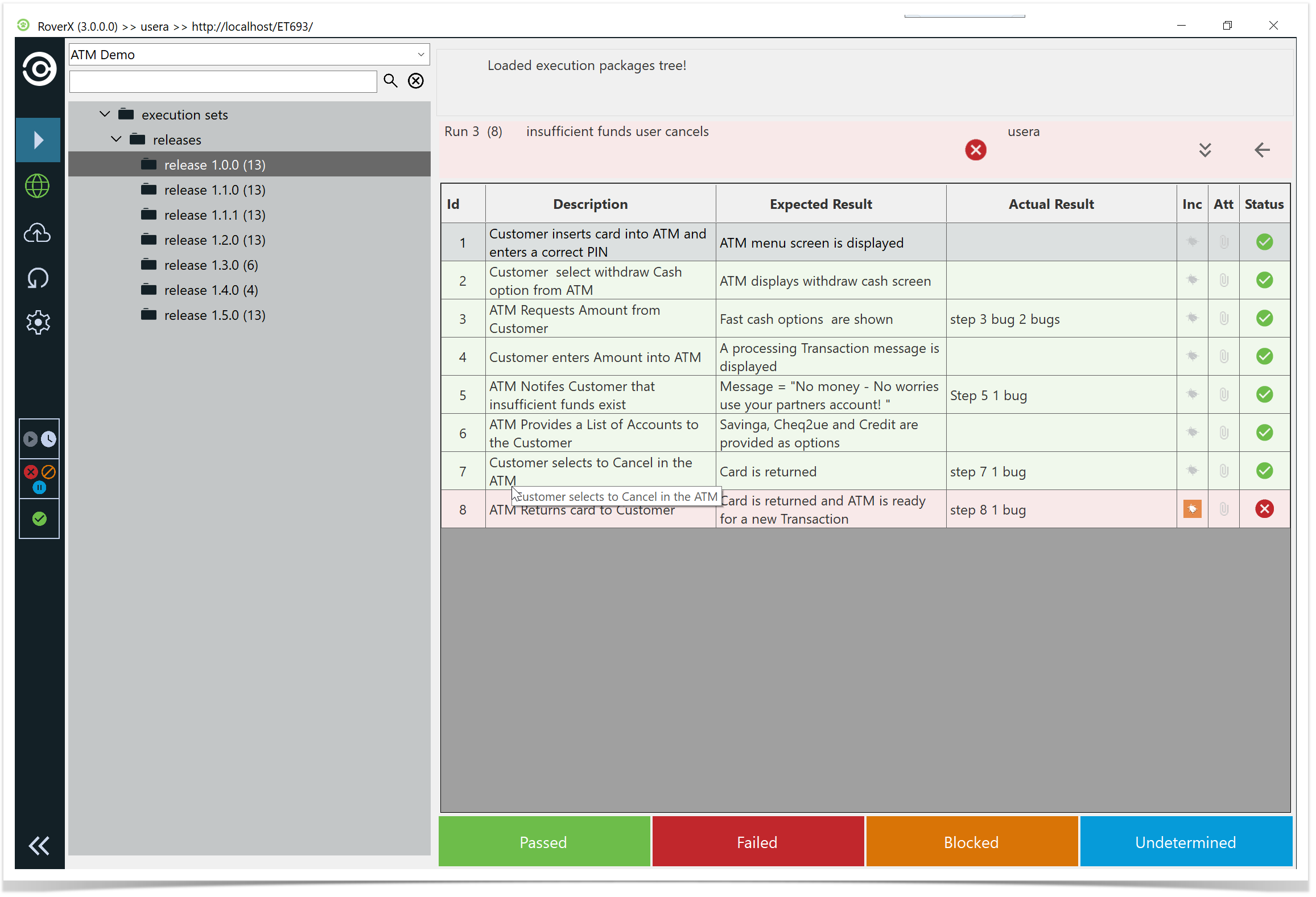
Pass all the test steps.
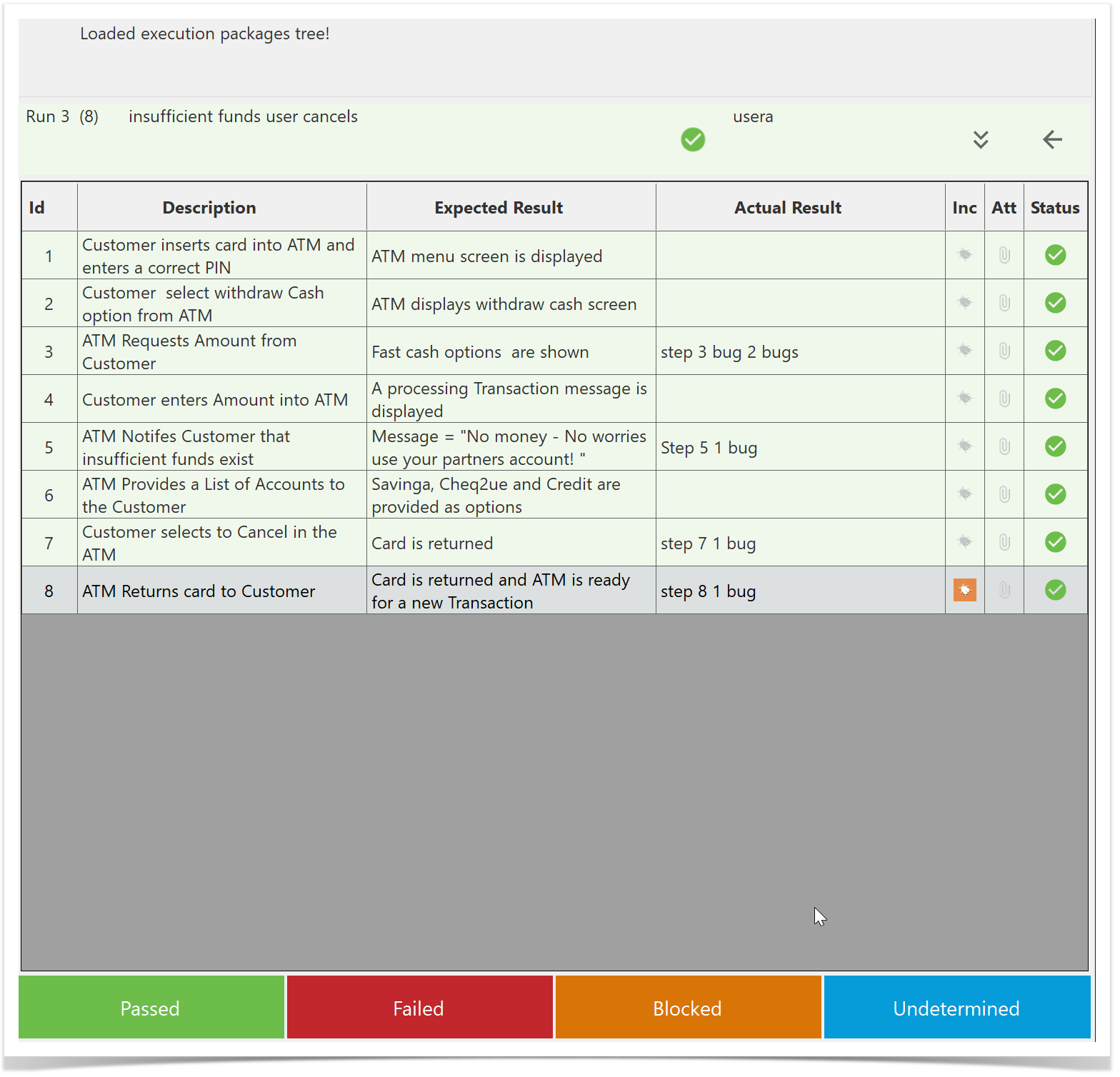
Sync to Enterprise Tester.
Once the sync is successful, locate the test run and select Create New Run again.
Because all test steps were passed in the previous run, the test run is now Completed.
When you create a new run, there will be no statuses or bugs carried over.