The Online/Offline option can be toggled to indicate your connection status with the Enterprise Tester server.
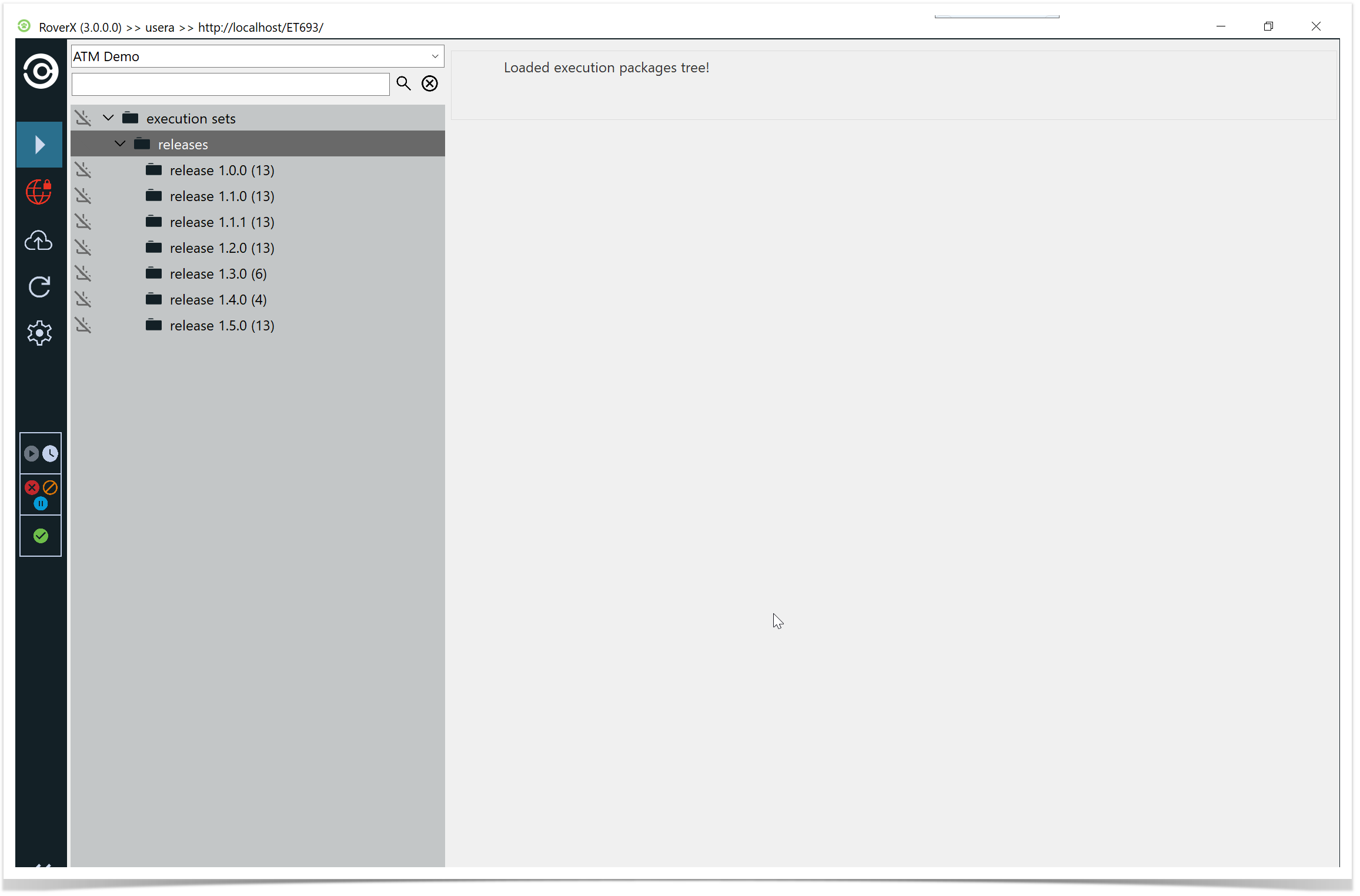
Offline Mode:
- When you are not connected to the server, the connection icon will display in red, indicating you are offline.
In addition, you will see the icon next to any Packages that have not yet been downloaded
- When you are not connected to the server, the connection icon will display in red, indicating you are offline.
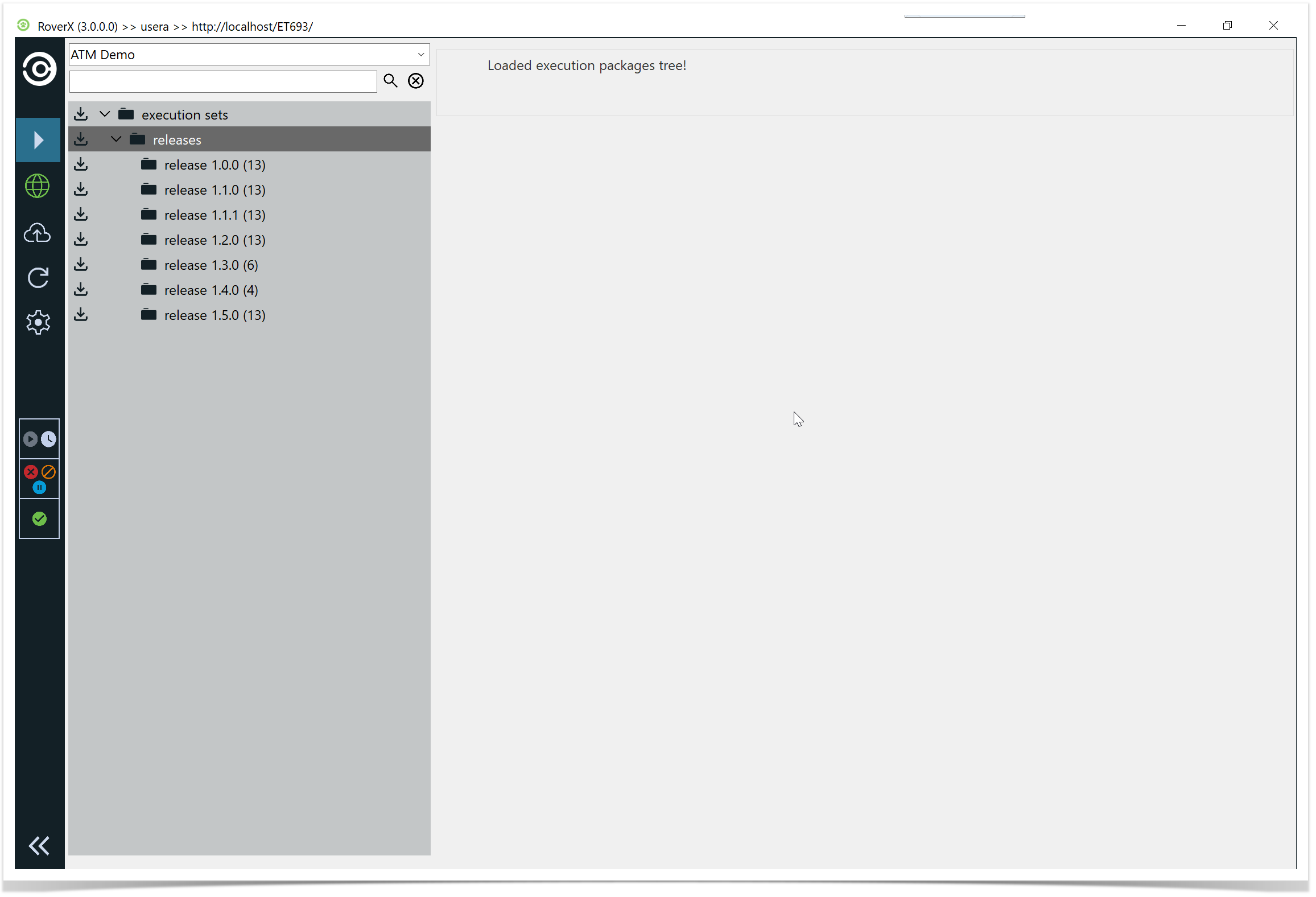
Online Mode:
- When you are connected to the server, the connection icon will display in green, indicating you are online.
Any Packages that have not been downloaded will show the icon next to them.
- When you are connected to the server, the connection icon will display in green, indicating you are online.
Toggling between these modes allows you to manage your connection status and perform tasks accordingly.