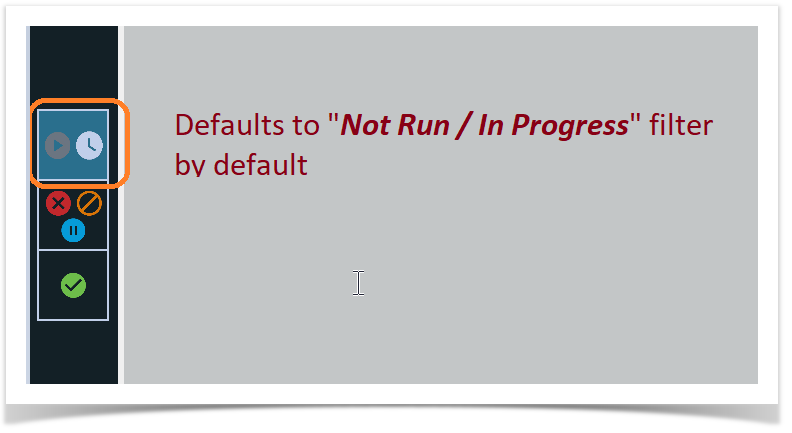
RoverX includes three predefined filters for viewing your test runs:
By default, RoverX opens with the Not Run / In Progress filter applied.
 Not Run / In Progress (default)
 Failed / Blocked / Undetermined
 Passed
You can:
Select one or more filters at the same time.
Deselect all filters to view all test runs with no filtering applied.