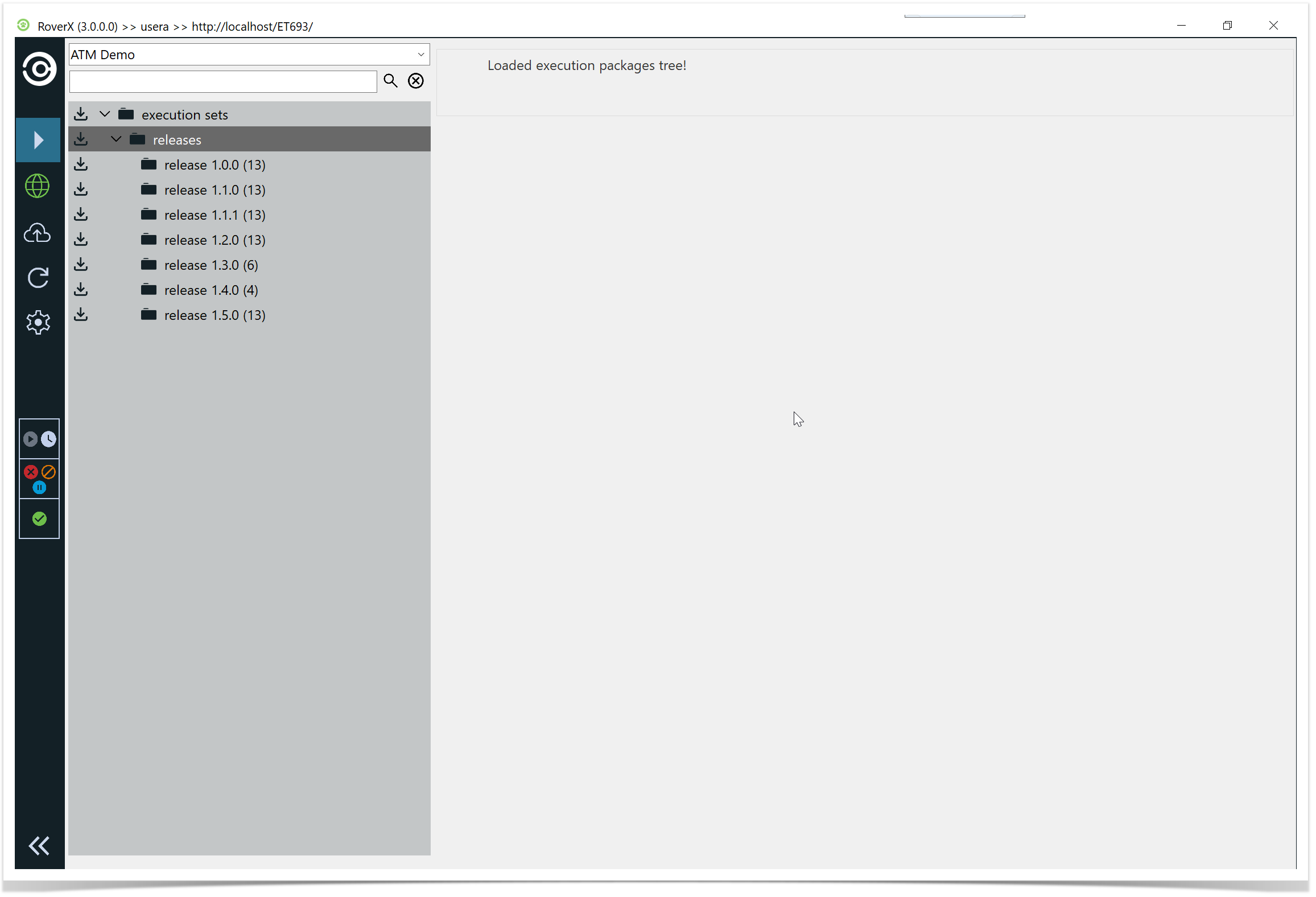
Alphabetical Order: Once a project is selected, the Execution Sets and Packages will be displayed in alphabetical order.
Change Project: To view execution sets and packages from a different project, simply select a new project from the Project drop-down list.
In Enterprise Tester, the Explorer Tree shows the following:
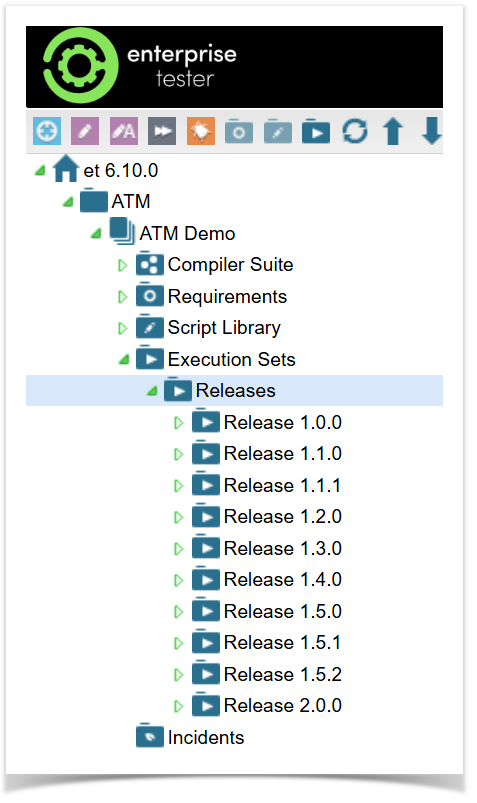
The project category structure and the order of projects is retained.
The next time you log in to RoverX the last project selected will be displayed by default.