...
- Configurable import filtering by: Type, Status, Priorities, JQL fragments, Components, Affects Version(s), Fix Version(s);
- Optional sub-task synchronization;
- Configurable Synchronization Schedules - Adhoc (manual), Periodic (set time interval) and Daily;
- Custom field support;
- JIRA ID on the requirement in ET;
- Remote links to the Requirement in ET (and test script when linked) added on the JIRA User Story; and
- JIRA workflow transition support from ET.
...
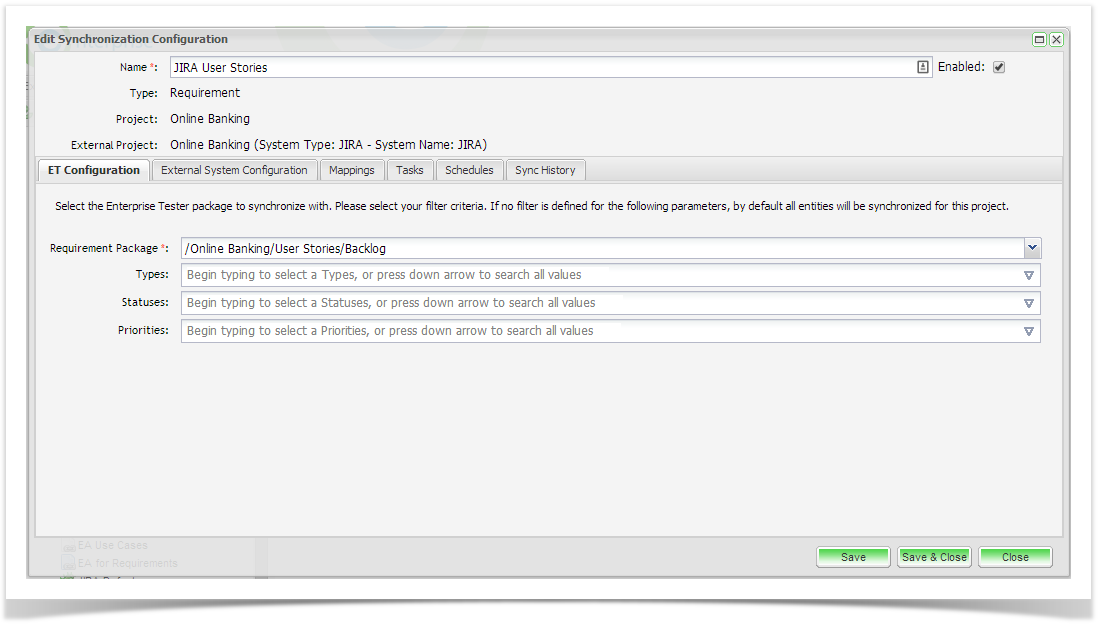
From the Edit Synchronization Configuration screen, click on the ET Configuration tab. Select the ET requirements package you wish to synchronize with. Here you can also select the filter criteria when synchronizing from ET to JIRA. You can filter on Types, Statuses and Priorities. Once you have completed your configuration, click ‘Save’.
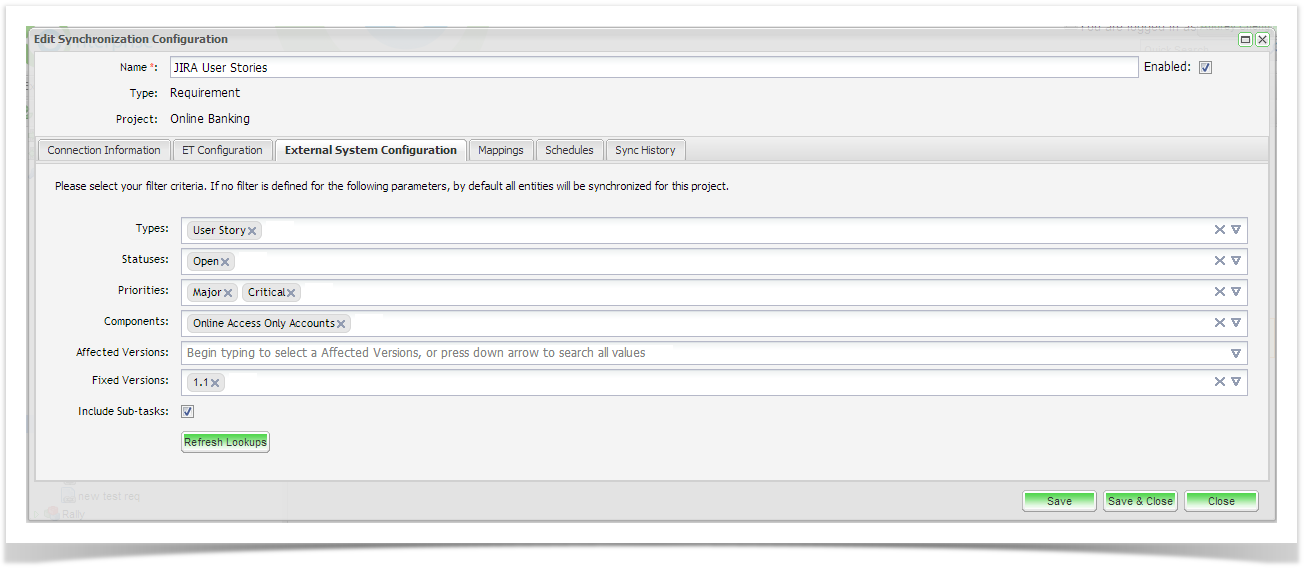
Next, click on the External System Configuration. Select the entity type(s) (requirement, stories etc.) to synchronize with Enterprise Tester. Here you can also select additional criteria including Statuses, Priorities, Components, JQL fragments, Affected and Fixed Versions. You can also select to synchronize sub-tasks related to the entities that meet your selection criteria. Note that the filter values only apply to the parent requirement/ user story. All sub-tasks associate to these entities will also be synchronized when you select this option.
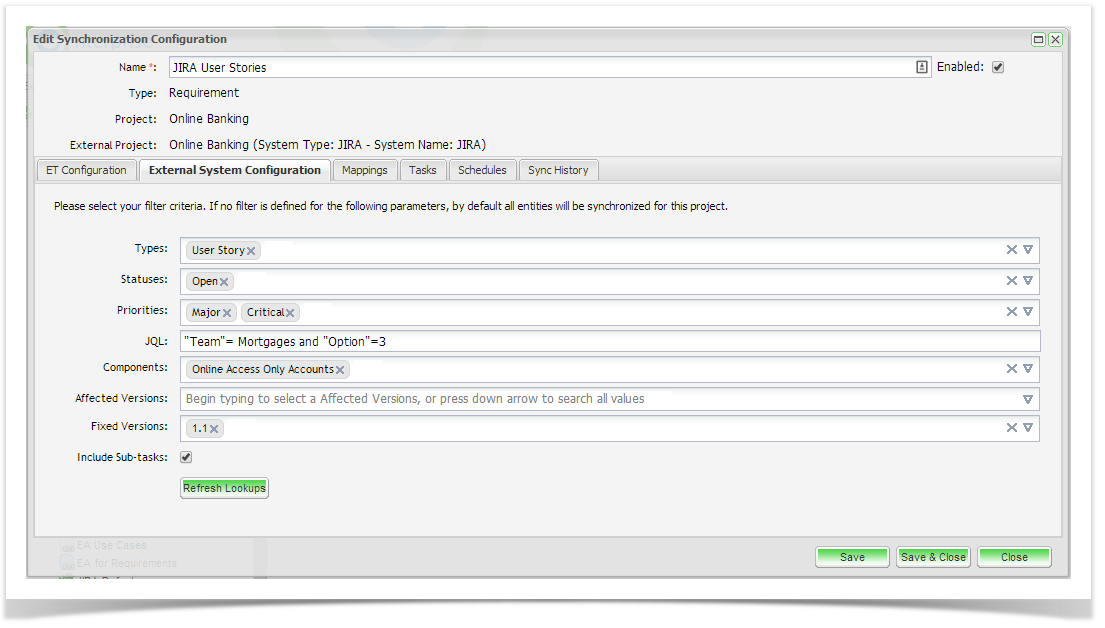
Note that by default all entities will be synchronized if you do not apply a filter. If the JIRA field values do not appear in the field drop down list, you may need to initiate a refresh lookups which will refresh the JIRA metadata.
...