...
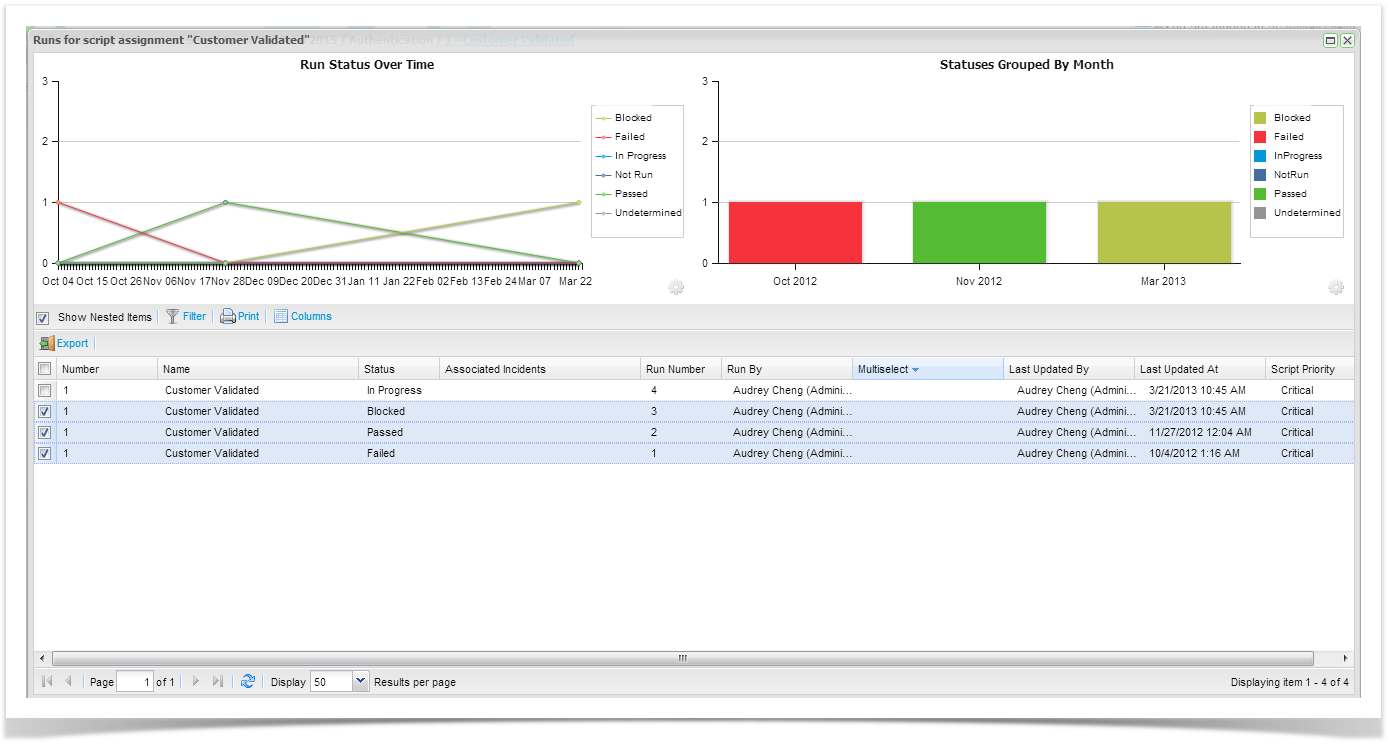
The execution history screen provides all historical run details on the summary grid and two charting widgets are also shown to provide summary views of your data.
Here you can select to view a previous run, delete a run, change select different runs on the grid to change the display of the widgets.
...
The underlying data for the widgets is driven by the grid. You can click on selected runs to change the data represented on the charting widgets.
Configurable options are available for the Status Over Time widget when viewing the run history for the entire Execution Set folder.
...
To view the previous run double click on the run in the grid to open the historical run.
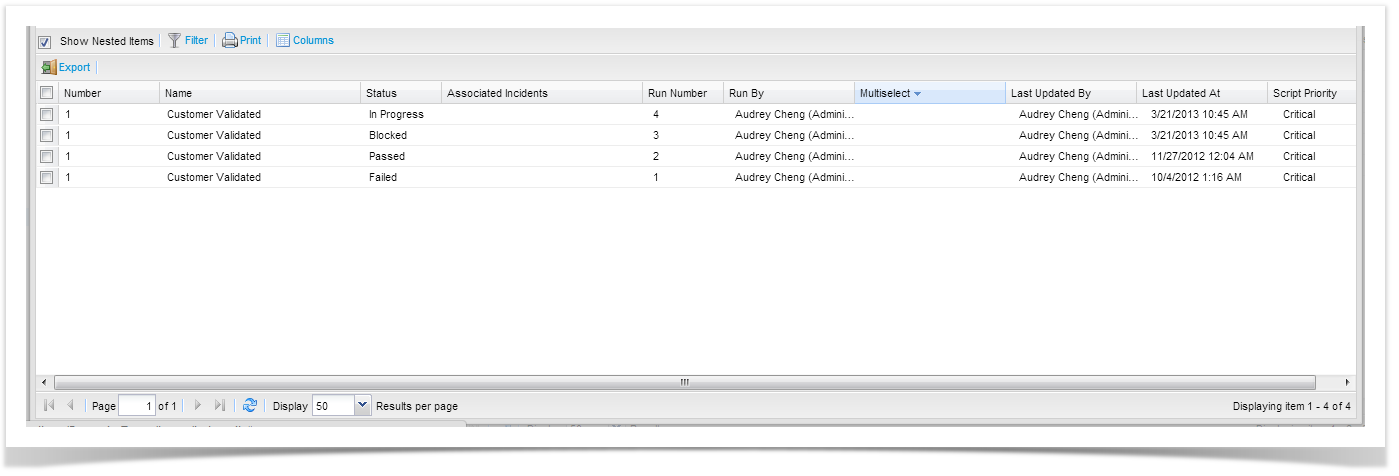
Selecting a few runs will change the data that is charted on the widgets.
...