...
Info Note: Attachments on bugs are only copied if they were created in Rover and synced to Enterprise Tester without clearing the local database. Attachments downloaded from Enterprise Tester are not stored locally in Rover, so they will not be copied.
In the following example we will use "successfully withdraw the money" test run which has a status of Blocked
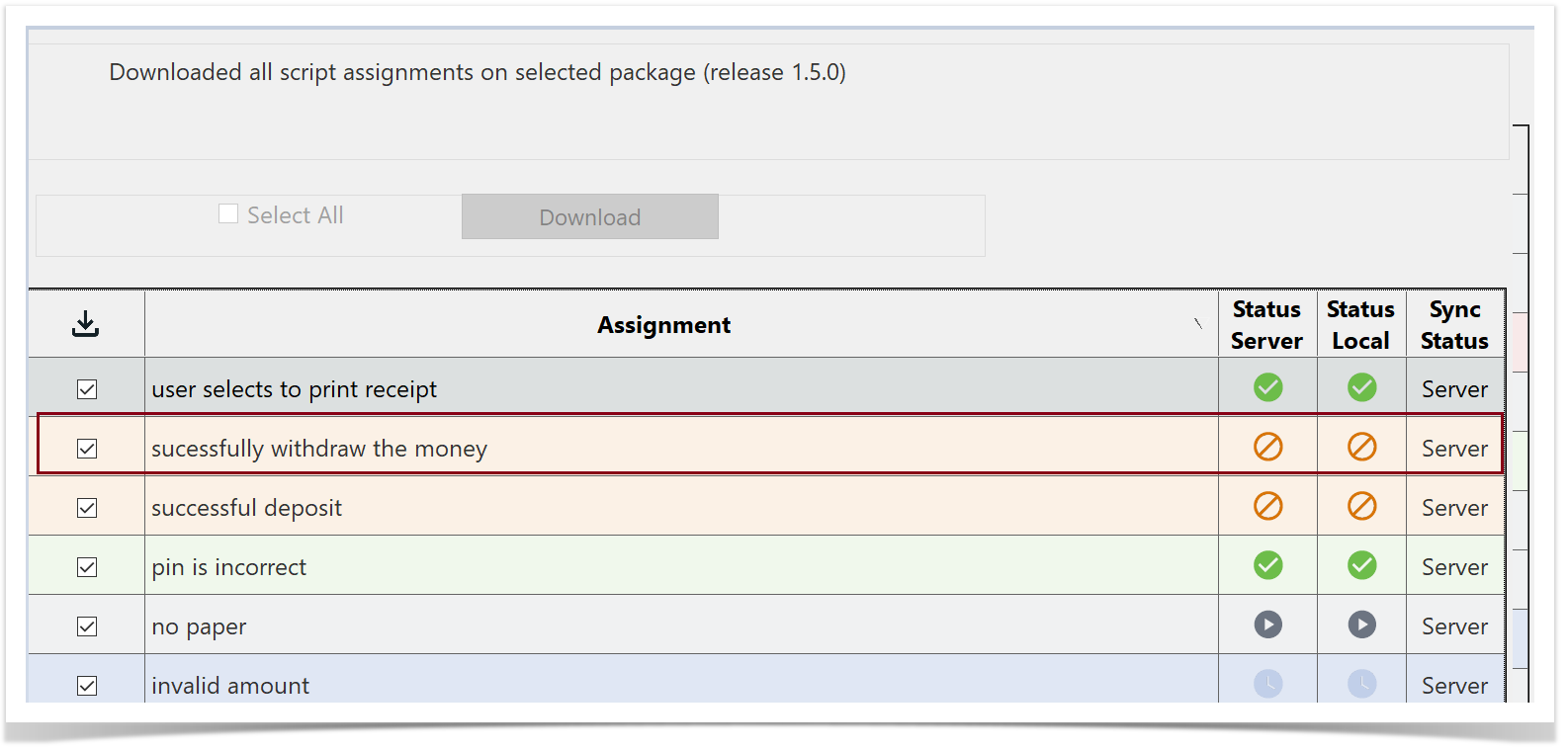
Click or Tap Example: “Successfully Withdraw the Money” Test Run
Click or tap on the test run.
The Run History screen is will be displayed. You will see a the test run that has an Incident incident associated to with it.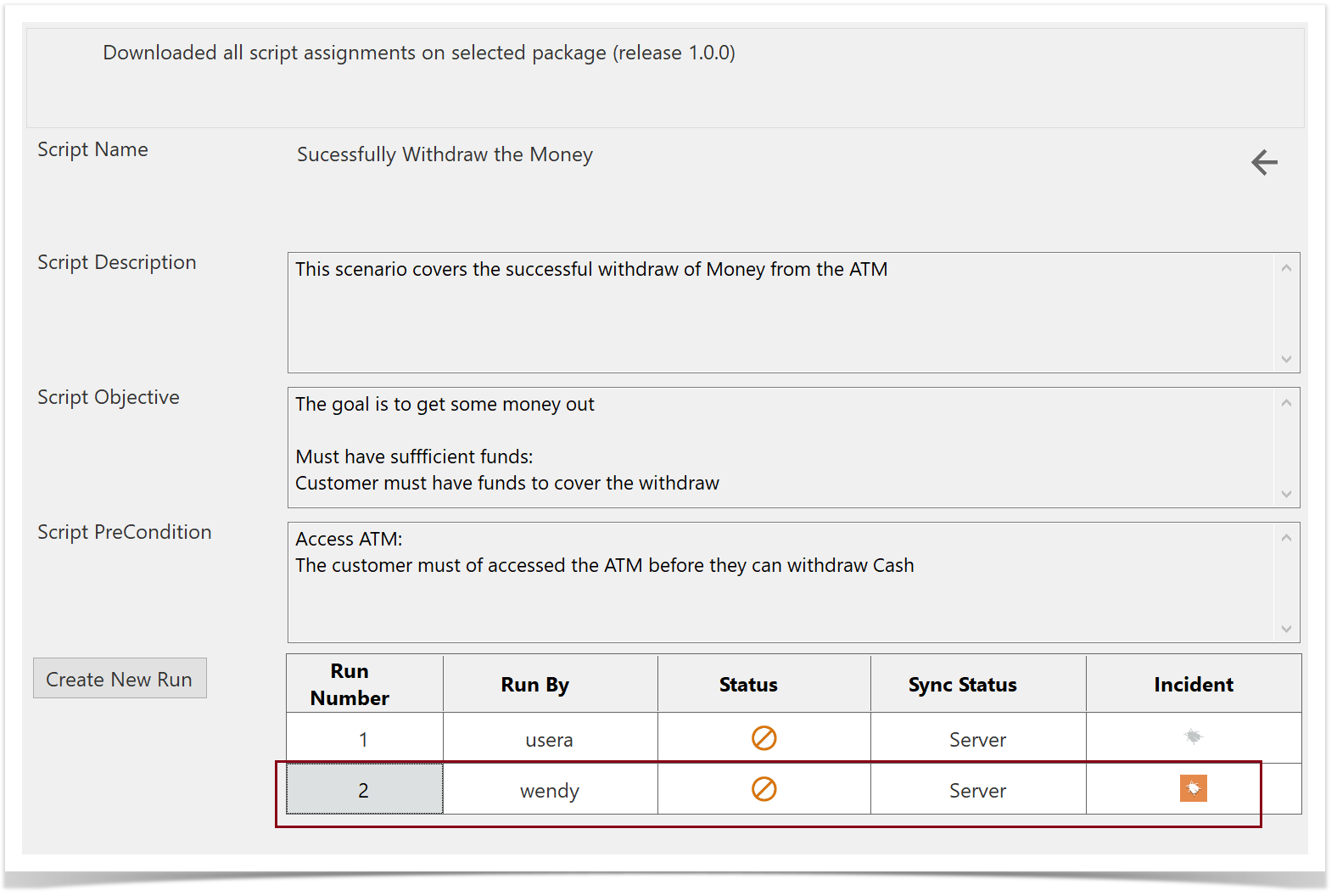
Open the existing Run run from the Server server that has the Incident associated to it.(incident (e.g., Run Number 2).
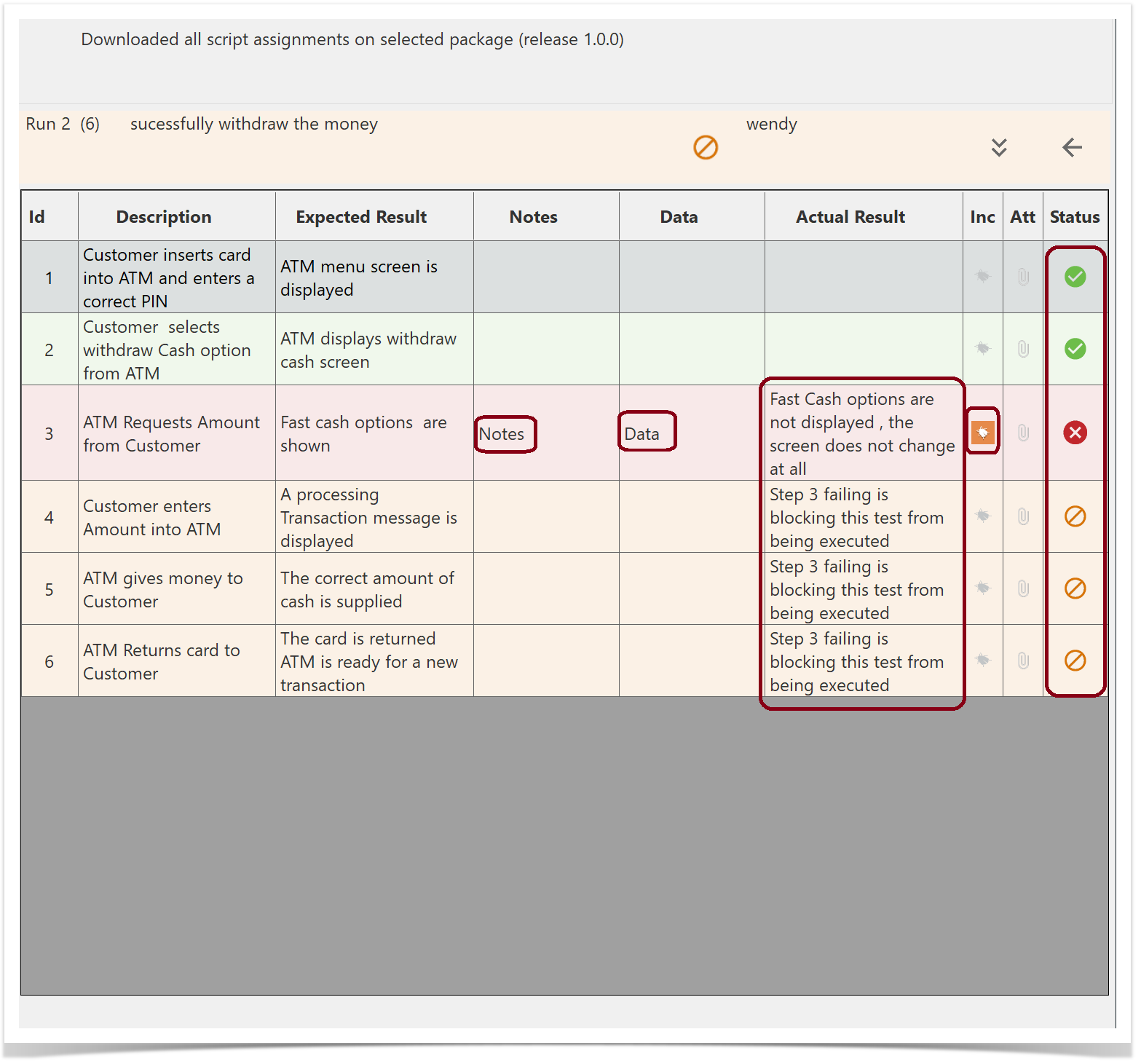
You can see view the different step statuses, Notes , Data, Actual Results notes, data, actual results, and the associated Bugbug.
Return to the Run History screen and select theCreate New Run button.
The step statuses, Notes , Data, Actual Results and the associated Bug are copied over to the new test run.
...