...
If you update a Test Script, those changes will automatically be reflected in the related Test Execution data — unless the test is currently being run.


New! Start and End Dates for Test Execution Packages
...
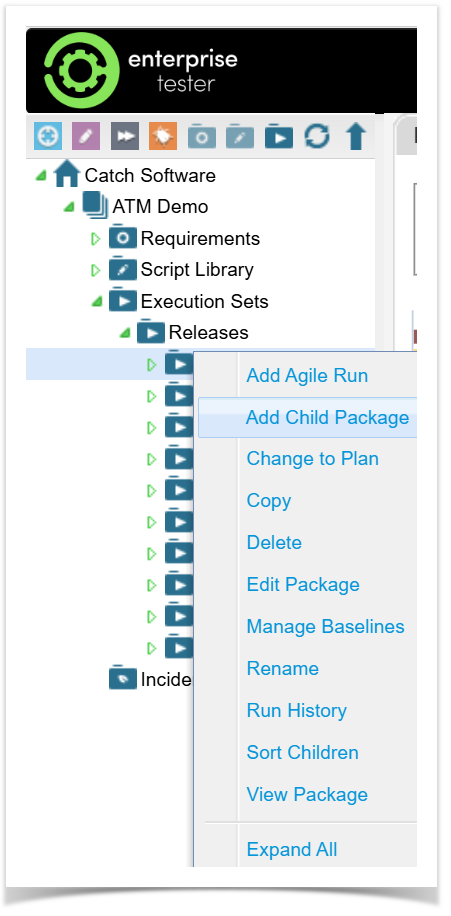
- Go to the Execution Sets folder.
Find where you want to add the new package.
Right-click and select Add Child Package.

...
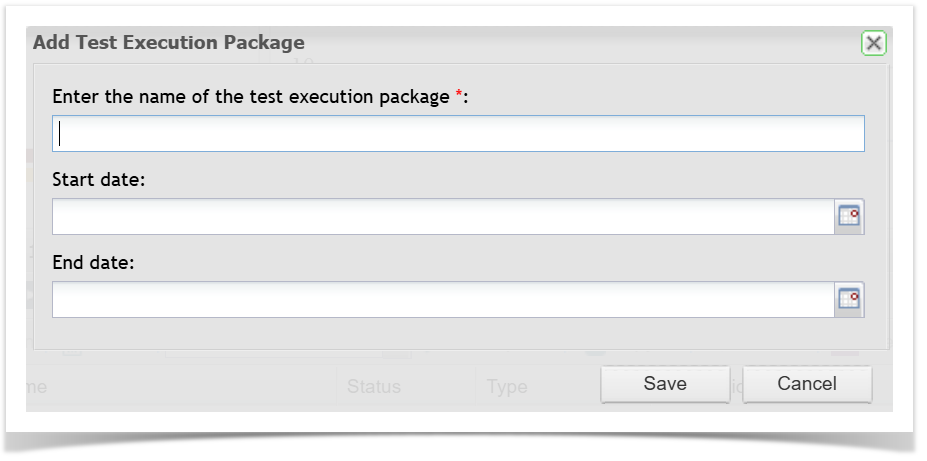
Enter a name for your Execution Package.
...
Fill in
...
the Start Date and/or End Date (optional).
...
Click Save to finish.
To update an existing Execution Package:
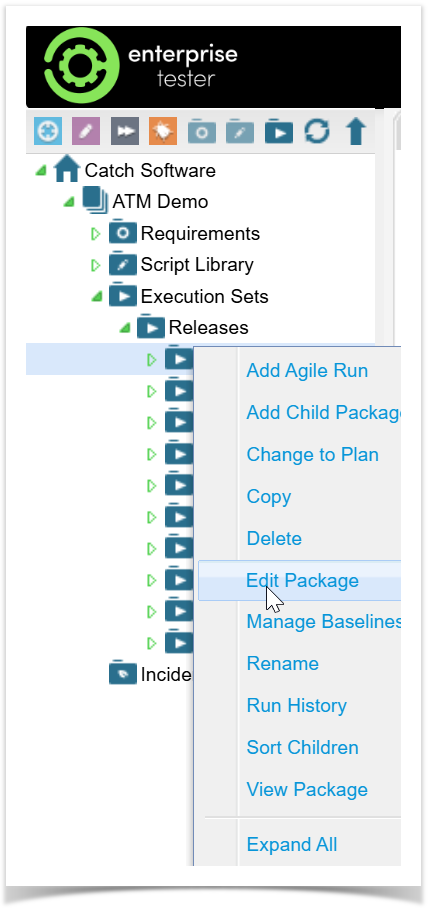
Find the Execution Package you want to update.
Right Click and select Edit Package.

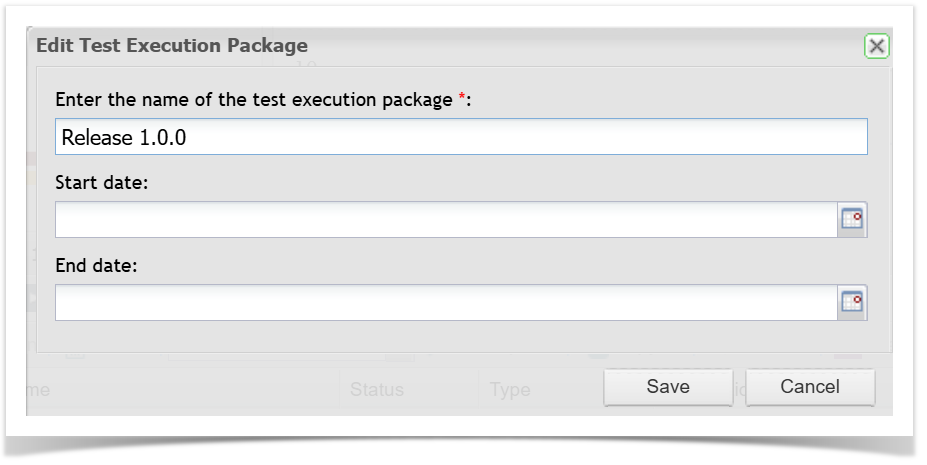
Enter or update the Start Date and/or End Date.
Save your changes.
Create Execution Sets by dragging a Requirement into the Execution Sets area
...